One Year Using NTT Flets Hikari Cross
A review of using 10G NTT Flets Hikari Cross alongside 2.5G Nuro Hikari for a year, outlining the hardware requirements and performance of a 10G network.
The network environment in a typical household is around 1G. While this is of course 10 times faster than the 100Mbps of 10 years ago, the 10-fold increase from 100M to 1G is completely different from the 10-fold increase from 1G to 10G. Since 1G compatibility is very inexpensive, almost all devices support it, whereas households where all equipment supports 10G for a 10G rollout are in the minority. Basically, people use devices until they break, resulting in a mixed environment where newly added terminals keep increasing on the network. To step up the network environment to 10G, you won't realize the speed unless all of the following are 10G-compatible:
1. The computer's network interface card (NIC) must support 10G.
Lately, prices have dropped, and cheap cards have increased, but in reality, compatibility issues still make them unstable. There are many cards that won't work even if you buy them brand new, haha. Finding a compatible card means buying several, which ends up being expensive. I bought about four cards and finally settled on an official Intel card. In any case, with laptops or mini PCs, you often cannot change the network card, and practically no laptops currently support 10G out of the box.
2. The switching hub must support 10G.
This is tough. Since processing capacity is naturally 10 times different between 1G and 10G, even a hub must carry a high-performance chip. Thus, it is not only expensive but the hub itself generates a huge amount of heat, sometimes failing due to its own heat. Additionally, if the model uses SFP+ (which costs around 8,000 yen for just one transceiver) instead of a standard RJ45 LAN port to connect 10G to the switching hub, that is also expensive and hot, haha. In any case, the biggest hurdle for households is the hub or the next item: cables.
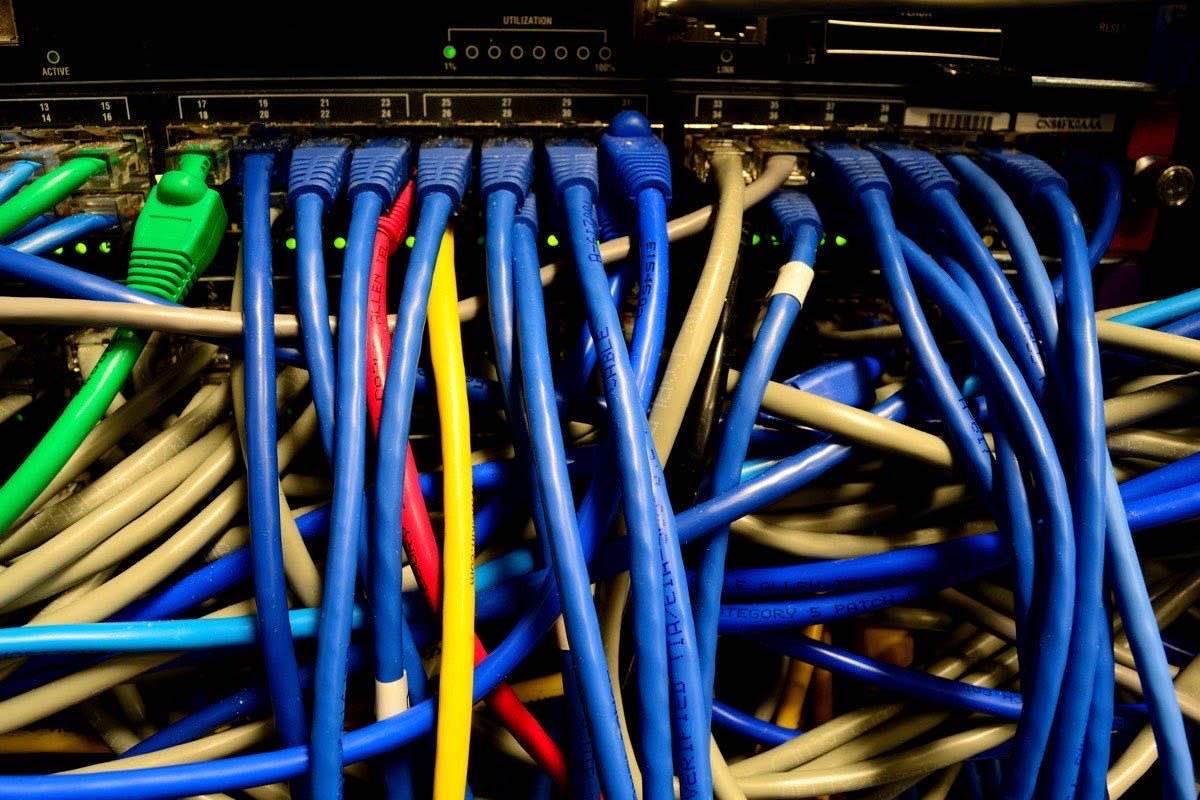
3. The network cable (LAN cable) must support 10G.
Actually, 10G-compatible network cables are not that expensive. Anything CAT6A or higher (CAT7 and CAT8 are also fine) is perfectly fine for reasonable lengths (around 30m or less). However, while it is fine if you can replace them, many modern houses have LAN cables already embedded inside the walls for connections to adjacent rooms or the second floor. Trying to replace cables inside walls incurs significant costs. Although you can do the LAN cable installation yourself (note that 100V electrical work requires a license), as someone pushing 60, getting into high places or narrow attics is...
4. It's difficult to choose a router other than the official one...
Since even switching hubs are expensive for 10G, routers that handle more complex operations are even higher in price. In the 1G era, if the network was small, the hub function built into the router was often sufficient. However, even official NTT routers only have a single 10G port. In the famous YAMAHA RTX series, only two models support 10G, and the cheapest starts at a list price of 240,000 yen (and even this model has only one 10G port, so a 10G hub is mandatory). For Cisco models, the cheapest starts at 2 million yen. Therefore, the only realistic choice is the standard XG-100NE for Flets Cross, or the NSD-G1000T for Nuro. However, the Nuro NSD-G1000T setting screen has almost nothing you can configure, and the XG-100NE only supports basic packet filtering. Thus, publishing your own server or connecting to the outside via VPN is practically impossible. *Honestly, it's cheaper to build your own router using an old PC and two 10G NICs.
As you can see, utilizing 10G requires a considerable investment. I have been gradually replacing devices with 10G-compatible ones over the past year, and the cost has already become quite high. Under these circumstances, the cheapest way to experience 10G is to sign up for Cross, use the XG-100NE, and purchase a WiFi 6 or 7 router with a 10G port, eliminating wired connections. In theory, WiFi 6 reaches about 9.6Gbps (nearly 10Gbps), and WiFi 7 reaches 48Gbps as "theoretical values," which can be faster than poor LAN cables. Of course, speeds drop significantly due to distance from the router, radio interference, and multiple device connections, but this is the most cost-effective choice.
Moreover, Flets Cross 10G itself is a best-effort service (theoretical 10G), so you don't actually get 10G speed. Still, I have seen averages of 5G and peaks up to 7G. Since the 1G era was also best-effort, this represents a real-world speed increase of nearly 10 times. However, for file transfers between specific sites, there is an ultra-fast connection method.
【NTT In-Net Direct Connection Method】
Normally, NTT Flets internet connects to the outside like this:
For IPv4: PC → Switching Hub → Router → ONU (Optical Network Unit) → NTT NGN (Next Generation Network) → ISP's IPv4 Conversion Device → Internet
However, for IPv6, address translation is not required, so you can hang a server directly off the ONU. An address is assigned to the server from the NGN via RA (one of the IPv6 address distribution mechanisms). If this server is equipped with a 10G network card, by configuring both sites the same way, the server at Site A and the server at Site B can connect directly only within the NGN without going out to the internet. Naturally, even within the NGN, it is best to register the IPv6 prefixes of both sites in the server's own packet filter and drop all other packets. In this method, no ISP contract or router installation is required, allowing full use of the 10G bandwidth with almost zero overhead. (Both sites must be on NTT, and NTT East and NTT West cannot connect as they are different NGNs.) Of course, by connecting the XG-100NE to the hub between the ONU and the server, you can also perform IPv4 internet communication on the local side with a regular PC.
【One Year Result Summary】
For synchronization copying or file transfers between locations, the NTT NGN direct connection method can deliver significant results easily and with a low budget. However, simply speeding up the internet itself requires either using WiFi or spending a solid budget to make all devices on the network 10G-compatible, meaning you need to carefully consider the cost-benefit ratio.